
10 Old Gadgets You Need to Get Rid of Before They Become a Hazard
I’ve been holding onto old electronics longer than I care to admit. Maybe it’s the thought of “what if I need it someday,” or just the sheer inertia of decluttering. But the truth is, those gadgets sitting in drawers and closets aren’t just taking up space—they can be risky. Old TVs, laptops, and even chargers can leak toxic chemicals, catch fire, or put your personal data at risk if you’re not careful.
When I started looking into it, I was shocked by the scale of the problem. In the U.S. alone, millions of tons of e-waste pile up every year, and only a fraction actually gets recycled properly. And globally? The numbers are even worse. That’s why it’s not just about clearing clutter—it’s about protecting your home, your health, and the environment.
In this article, I’m going to walk you through the 10 types of electronics you should seriously consider tossing or recycling before they cause trouble. I’ll share practical tips, real risks, and even ways to make sure your data stays safe. By the end, you’ll know exactly what to keep, what to let go, and how to do it responsibly.
How to Decide When It’s Time to Toss or Recycle
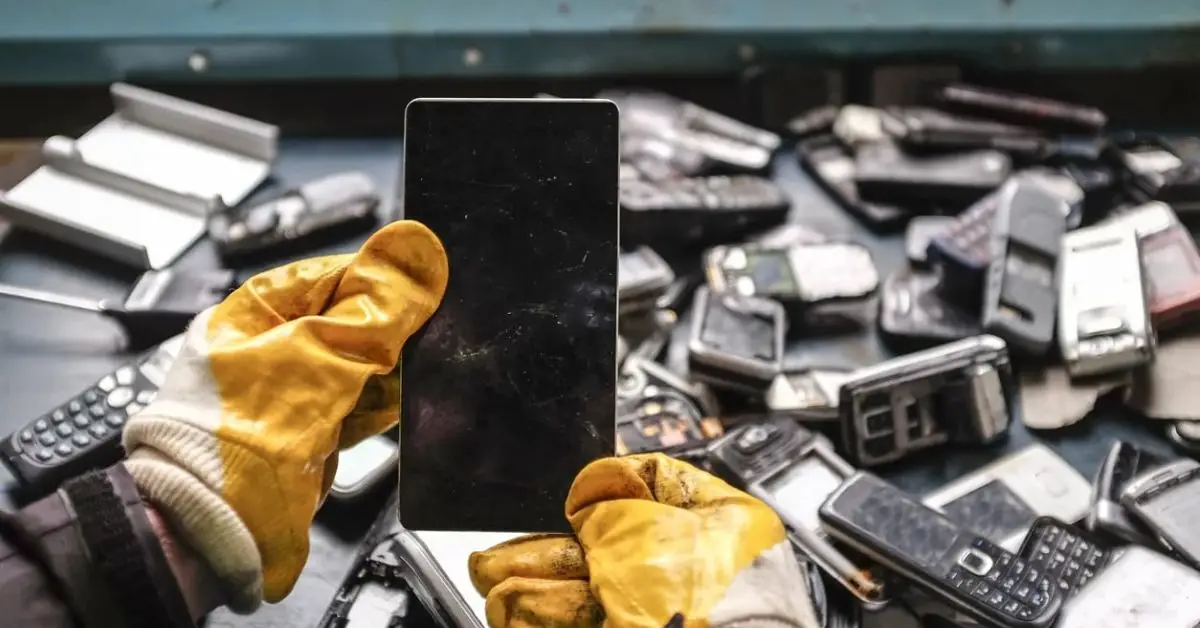
If you’re like me, you probably have drawers or closets full of gadgets you haven’t touched in years. The first step is asking yourself: Do I really need this anymore? I’ve learned that holding onto old tech “just in case” often creates more stress than value.
Here’s how I decide whether something stays or goes:
- Not used in over a year: If a device hasn’t been touched for 12 months, it’s likely never going to be used again. Even if it seems small or harmless, it’s just cluttering your space.
- Broken or non-functional vs. potentially collectible: Some items, like vintage consoles or early laptops, can be collectible. But most outdated electronics aren’t worth the trouble. I ask myself whether it can realistically be repaired or sold; if not, it’s time to let it go.
- Data security concerns: Even old, seemingly useless devices can store sensitive information. I always make sure to wipe or remove all data before disposal. ADT’s tips on secure electronics disposal are excellent if you want extra guidance.
Taking the time to evaluate devices using these points saves you from clutter and potential hazards, and it makes recycling or donating your electronics much easier. If you’re struggling with which devices to part with, I also follow a step-by-step guide to declutter electronics before moving, which makes the process much easier.
The 10 Old Electronics You Should Get Rid Of
Now that you know how to decide, let’s get into specific devices that are risky, obsolete, or just clutter. I’ll explain why each one matters, the hazards involved, and some practical tips.
1. Old Tube (CRT) Televisions & Monitors
These massive screens contain heavy lead and other hazardous materials. If one breaks, it can be dangerous to your health and home. I’ve personally seen CRT TVs stored in basements for years, taking up space and creating a real hazard.
2. Outdated Computers & Laptops
Old computers take up a lot of space, but the bigger risk is what’s inside: batteries, rare earth metals, and data.
Things I do before letting them go:
- Back up important files
- Wipe hard drives completely to protect personal info
- Remove batteries if possible to avoid leaks
- Take devices to certified recycling centers to recover metals
3. Old Smartphones & Cellphones
Even phones that seem dead can be risky. Lithium batteries can catch fire or leak chemicals if disposed of improperly.
My approach:
- Remove SIM cards and any microSD cards
- Wipe the phone completely using built-in factory reset or secure software
- Take the phone to a local e-waste recycler or use a trade-in program for safe disposal
4. Chargers, Cables & Mystery Tech Clutter
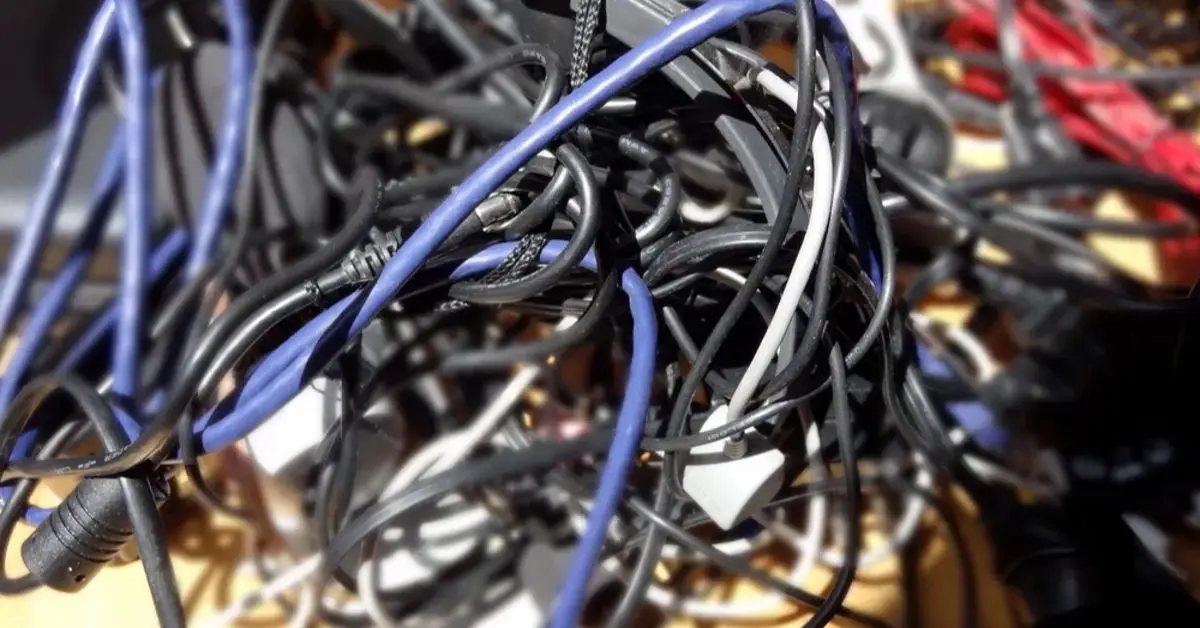
I used to keep a big box of random cables. They seemed harmless, but even these small items contain plastics and metals that shouldn’t go to a landfill.
What I do now:
- Test which cables still work with my current devices
- Bundle usable ones for backup
- Recycle or donate the rest at certified e-waste drop-offs
5. Old Tablets & eReaders
These are small but still count as e-waste. Lithium batteries and rare metals inside make recycling worthwhile. If I don’t use a tablet for years, I either recycle it or donate it after wiping it clean.
6. DVD/VCR Players and Obsolete Media Players
Most of us have a few of these lying around. They rarely have resale value, and recycling them is often tricky. Martha Stewart notes that these old media devices are better off being recycled than stored for “maybe someday” nostalgia.
7. Old Game Consoles & Accessories
I love gaming, but I’ve learned the hard way that old consoles can degrade, and batteries in controllers can leak. Even if you try to sell them, the effort often outweighs the return.
Tip: Check for trade-in programs or donation options before tossing, but don’t hold onto broken units.
8. Printers, Scanners, Fax Machines
Bulky, heavy, and often full of toner or ink cartridges. Many curbside recycling programs don’t accept these, which is why I take them to certified e-waste centers.
- Remove cartridges and recycle separately if possible
- Keep cords bundled to prevent tangling
- Check local drop-off events or retailer take-back programs
9. Telephones, Answering Machines & Obsolete Office Gear
These items seem harmless, but old office electronics can leak small amounts of heavy metals or chemicals if left unused. I usually clear these out in one go, especially when decluttering home offices.
10. Small Appliances With Integrated Electronics (e.g., old cordless tools)
Even small appliances can be risky because of built-in batteries. Improperly disposed appliances with lithium or lead batteries can cause fires. Just like there are certain items you should never place around your fireplace, some electronics can pose serious safety hazards if not handled properly.
My rule of thumb:
- If it hasn’t been used in years, it’s safer to recycle than keep
- Check for manufacturer take-back programs for cordless tools
- Remove batteries if possible before recycling
What Not to Do: Disposal Mistakes That Make Things Worse
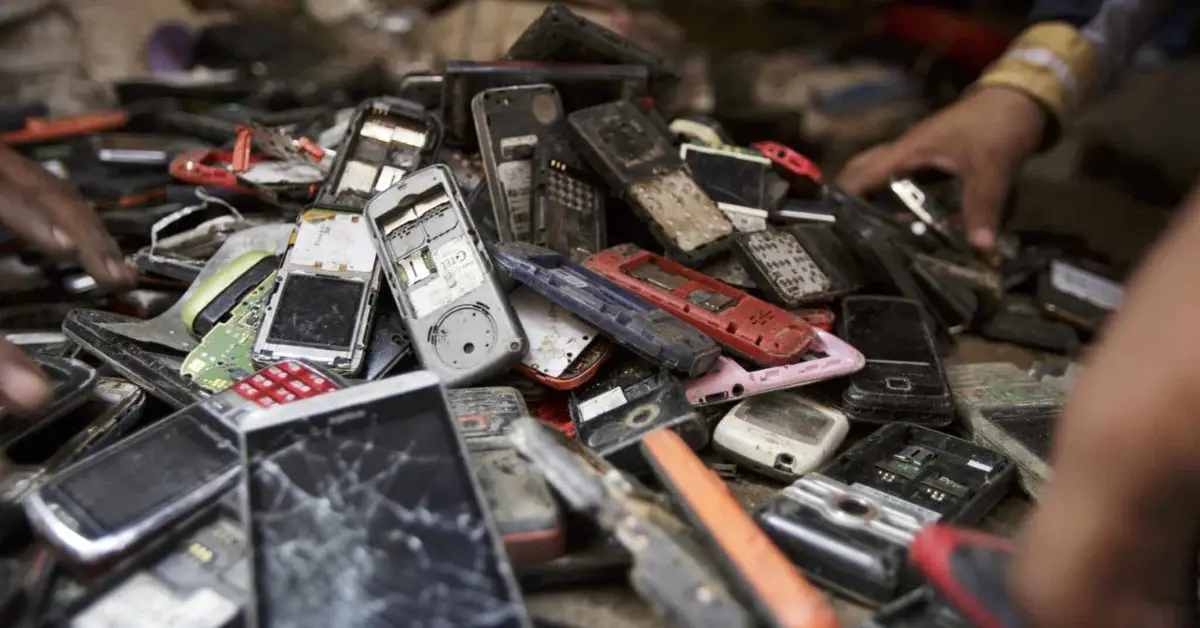
I’ve made my share of mistakes with old electronics over the years, and the worst part is that a lot of people repeat them without realizing the risks. Here are the biggest pitfalls you should avoid:
- Throwing electronics in the regular trash: It may seem easy, but old electronics contain toxic materials that can leach into soil and water over time. E-waste in landfills releases hazardous chemicals, which is a real risk for both your neighborhood and the environment.
- Ignoring data needs: Simply deleting files isn’t enough. Old hard drives, phones, and tablets can still contain recoverable personal information. I always make sure to securely wipe or remove all data before recycling anything.
- Assuming donation is always accepted: It’s tempting to think that thrift stores will take every gadget, but most won’t accept broken or outdated tech.
Being aware of these mistakes has saved me both stress and potential hazards—and it will for you too.
How to Dispose or Recycle Responsibly (Actionable Guide)
Once you know what to avoid, the next step is learning how to actually let go safely. Here’s what I do, step by step:
Certified E‑Waste Recycling Centers
These are my go-to for almost everything. Certified recyclers follow standards like R2 or e-Stewards, which means your devices are broken down safely, metals are recovered, and batteries are handled properly. Power Partner MN has a great breakdown of how certified recycling works.
Manufacturer & Retailer Take‑Back Programs
Many companies now offer trade-in or drop-off programs. I’ve used Best Buy and Apple for old phones and laptops—they make it easy, sometimes even giving store credit.
Local Hazardous Waste Events & Drop-Off Days
I keep an eye out for city or county events. These free collections are perfect for bulky items like printers or CRT monitors. Reddit communities often share schedules and tips for getting the most out of these events.
Sell, Donate, or Repurpose Before You Recycle
If something still works, consider selling it online or donating to schools, shelters, or community programs. Repurposing electronics extends their life and keeps waste out of landfills.
Quick Safety Checklist Before You Let Electronics Go

Before you finally part ways with your old devices, I follow this simple checklist to make sure everything is safe and smooth:
- Wipe personal data securely – never skip this step to protect your privacy.
- Remove batteries when possible – especially lithium ones, which can leak or catch fire. I refer to R&D Laboratory Equipment for safe battery removal tips.
- Check resale/donation value – even a few dollars or a good cause is better than landfill.
- Confirm accepted items first – verify what the recycling center, event, or retailer actually takes so you don’t get stuck with clutter again.
Following this checklist makes the whole process less stressful, and it ensures your electronics don’t create hazards for anyone else.
Clear the Clutter, Protect Your Home & Environment
Looking back, the key takeaway is simple: holding onto old electronics isn’t harmless—it’s risky, wasteful, and stressful. From CRT TVs to old chargers and cordless tools, every item you keep unnecessarily can take up space, leak harmful chemicals, or even put your personal data at risk.
The good news? With a little planning and the right approach, you can clear out your clutter safely, responsibly, and even help the environment in the process. Take a few minutes today to go through your drawers, closets, or home office and ask yourself: Do I really need this? Clearing out old electronics is just one part of getting your space organized—I’ve also shared my top storage resolutions to finally get your home organized in 2026.
I’d love to hear your thoughts and tips. What’s the oldest gadget you’ve finally recycled or tossed? Share your story in the comments below, and let’s help each other make smarter, safer choices.
And if you want more practical, step-by-step guides on organizing, decluttering, and giving your home a fresh start, visit Build Like New. We’ve got detailed advice, actionable tips, and expert insights to help you reclaim your space and live smarter.
Disclaimer: This article is for informational purposes only. Always follow local laws and guidelines when disposing of electronics. Build Like New is not responsible for any damage, injury, or loss that may result from following the advice provided.