4 Home Automation Upgrades That Can Help Protect Kids
When most parents hear smart home safety for kids, they think of cameras or a smart door lock. That’s what almost every SERP article leads with. But after going through the top results—and talking to real parents—I can tell you that’s only a small part of the picture.
For me, smart home safety isn’t about watching your child all the time. It’s about reducing risk when you’re not in the room. Accidents don’t happen because parents don’t care. They happen because kids move fast, get curious, and don’t understand danger yet.
Most competing articles stop at “install this device.” They rarely explain how safety actually works in real life—like what happens when a child opens a door at night, walks toward stairs half-asleep, or turns on a gas stove by mistake. That’s a big gap.
Real smart home safety for kids is a mix of three things: prevention, instant awareness, and automatic response. If a system only records video after something goes wrong, it’s not safety—it’s evidence.
Another thing I noticed in SERP content: almost no one talks about age-based safety. A toddler, a 7-year-old, and a teenager need very different protection levels. A smart home should adapt as your child grows, not force you into one rigid setup.
So when we talk about smart home safety for kids in this article, we’re talking about quiet systems that work in the background, step in only when needed, and give you peace of mind without taking away your child’s freedom.
Before we jump into the actual automation ideas, let me ask you this: What worries you more right now—accidents at home, kids wandering outside, or not knowing what’s happening when you’re busy?
Smart Sensors and Notifications – Real-Time Alerts That Protect
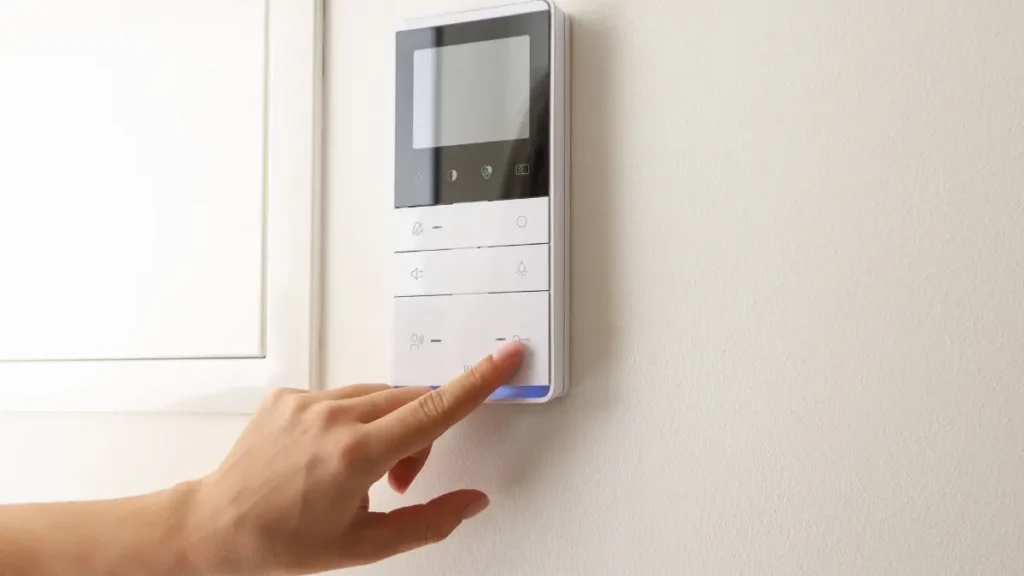
I’ve seen parents install cameras everywhere and still miss the one moment that mattered—because alerts came after, not during, the risk. Sensors only become powerful when they’re tied to clear rules and instant notifications.
Take door and window sensors. On paper, they sound basic. But in real homes, they’re lifesavers when placed in problem zones—balcony doors, terrace access, backyard gates, or pool entry points. The moment that door opens, your phone buzzes. Not a video clip later—a live alert right now.
Motion detectors work best when they’re selective. You don’t need alerts every time your kid runs around the living room. You need them when motion is detected near stairs at night, near storage rooms, or near exits during odd hours. That’s where smart placement beats expensive gear.
Pool and stair safety is another blind spot in SERP content. Most articles don’t explain how sensors should trigger actions, not just alerts. For example: motion near stairs → lights turn on → alert sent. Near a pool gate → alarm sounds + phone notification. This layered response is what actually prevents accidents.
One of the smartest ideas I’ve seen came from Reddit parents: a delayed door alarm. If a door opens and isn’t closed or disarmed within, say, 10 seconds, an alarm goes off and parents get notified. That small delay avoids false alarms but still catches risky exits.
Areas like basements, storage rooms, or rarely used spaces often get ignored, even though they carry hidden risks—especially if you’ve already thought about smart basement safety solutions.
Smart Locks, Geofencing & Virtual Boundaries — Keep Kids Where It’s Safe
Smart locks show up in almost every SERP result—but usually as a product mention, not a safety system. The real value starts when locks work together with location and rules, not just fingerprints and codes.
Geofencing is one of the most underused tools in child safety. When a child’s phone or wearable crosses a predefined boundary—home gate, society entrance, nearby street—you get notified instantly. No guessing. No calling ten times. Just clear awareness.
This works especially well for school-age kids who start walking short distances alone. You’re not tracking their every move—you’re setting safe zones. Inside the zone, no alerts. Outside it, you know something changed.
Smart locks with temporary or time-based codes are another practical upgrade. If an older child comes home before you, the door unlocks only during approved hours. After that, it stays locked. No spare keys. No panic calls.
What SERP articles miss is how virtual boundaries tie everything together. If a child moves outside a safe zone, doors can auto-lock, alarms can arm, and alerts can reach both parents at once. You don’t need to rush to an app—the system reacts for you.
That’s the real promise here: less micromanagement, fewer “did you lock the door?” moments, and more confidence that your home is quietly doing its job.
Let me ask you something honestly— Would you rather watch your home more, or have it respond for you when something goes wrong?
Many of the same principles used to protect kids—controlled access, alerts, and automation—also overlap with strategies used to outsmart burglars and secure a home.
Smart Lighting & Environmental Automation — Prevent Accidents at Home
Most safety conversations focus on intruders. Parents know the real danger is usually much simpler: a fall, a dark hallway, or an environment that turns risky without warning.
Yellow Pages says that motion-activated pathway lighting is a perfect example. Kids wake up at night. They go to the bathroom half-asleep. One missed step on a dark floor is all it takes. When lights turn on automatically—soft, not blinding—the risk drops instantly. No switches. No panic.
Smart nightlights add another layer. Instead of fixed lights, routines can dim the house during bedtime and gently light up key areas during bath or sleep transitions. Parents who use these setups often say kids feel calmer—and calmer kids make fewer unsafe moves.
Environmental safety is where automation really proves its value. Air quality sensors, smoke alerts, carbon monoxide detection, and temperature monitoring don’t just warn you—they give you time to act. If a room overheats, if smoke levels rise, or if air quality drops, you get notified before it becomes dangerous.
This is the part most writers miss: kids can’t explain discomfort clearly. Smart environmental alerts become their early warning system.
If safety means preventing emergencies instead of reacting to them, lighting and environment automation do more work than cameras ever could.
Many parents prefer getting quick safety updates and real-world examples in one place, especially when they’re short on time. Having that kind of signal-based information can be surprisingly useful.
Parental Controls & Digital Safety Automation
Physical safety is only half the story. Modern homes are filled with screens, speakers, and connected devices—and most SERP content barely scratches this reality.
Parental profiles are a simple but powerful tool. Streaming apps, smart TVs, and voice assistants can be set up with kid-specific access. That means no adult content, no accidental purchases, and no voice commands triggering random devices.
Automation makes this even better. Downtime routines can shut off entertainment, dim screen lights, and lower volume automatically at bedtime. No arguments. No manual switching. The house enforces the rule, not you.
Biometric and age-based access controls add another layer as kids grow. Younger children can’t access advanced automation features. Older ones get limited control. This prevents curiosity from turning into unsafe behavior—like unlocking doors or disabling alarms.
What matters here is balance. Safety shouldn’t feel like control. When digital boundaries are clear and consistent, kids adapt quickly—and parents get fewer daily battles.
Let me ask you this before we move on: Are your smart devices helping you set boundaries, or are they quietly creating new risks at home?
Expert Tips & Security Best Practices (Safe, Not Creepy)
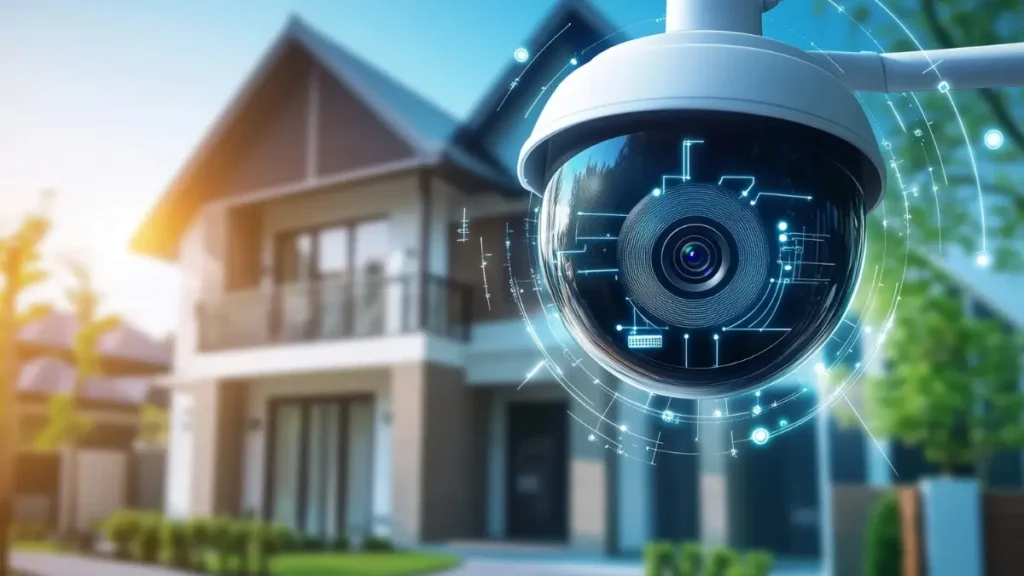
Start with basics: strong passwords, two-factor authentication, and locked-down camera access. Many security experts point out that poor settings create more risk than no system at all.
Camera placement matters even more. Bedrooms and bathrooms should stay private. Common areas like entrances, hallways, and stair zones provide enough visibility without crossing boundaries. Parents who respect this line build trust early.
The smartest move, though, is education. Teach kids how the safety system works. Explain why certain doors trigger alerts or why lights turn on automatically. When kids understand the system, they cooperate instead of trying to bypass it.
Safety works best when it feels fair. The goal isn’t to watch children—it’s to protect them without making them feel monitored.
If your smart home isn’t properly secured, even the best safety setup can backfire—which is why understanding smart home cybersecurity basics is just as important as choosing the right devices.
Choosing the Best Devices for Child-Centered Automation
Instead of chasing brand names, focus on device roles.
Reliable door and motion sensors matter more than fancy cameras. Smart lights with adjustable brightness outperform fixed bulbs. Environmental sensors that alert early are more valuable than reactive alarms.
Choose devices that work together smoothly. Compatibility and stability protect your family more than features you’ll never use.
How to Plan Your Smart Home Safety Setup in 4 Easy Steps?
Start by identifying real risks in your home—not imagined ones.
Next, decide which moments need alerts and which need automatic responses.
Then install devices slowly, testing one rule at a time.
Finally, review and adjust as your child grows.
Smart home safety isn’t about building a perfect system on day one. It’s about creating a home that quietly adapts to your family’s needs.
So before you add another camera or app, ask yourself: Is my home just smarter—or is it actually safer for my child?
Disclaimer: This article is for general information only and does not replace professional safety or medical advice. Smart home systems can support child safety but should never substitute adult supervision. Always evaluate devices and automation rules based on your home layout and your child’s age.